Save a pending guardian invitation
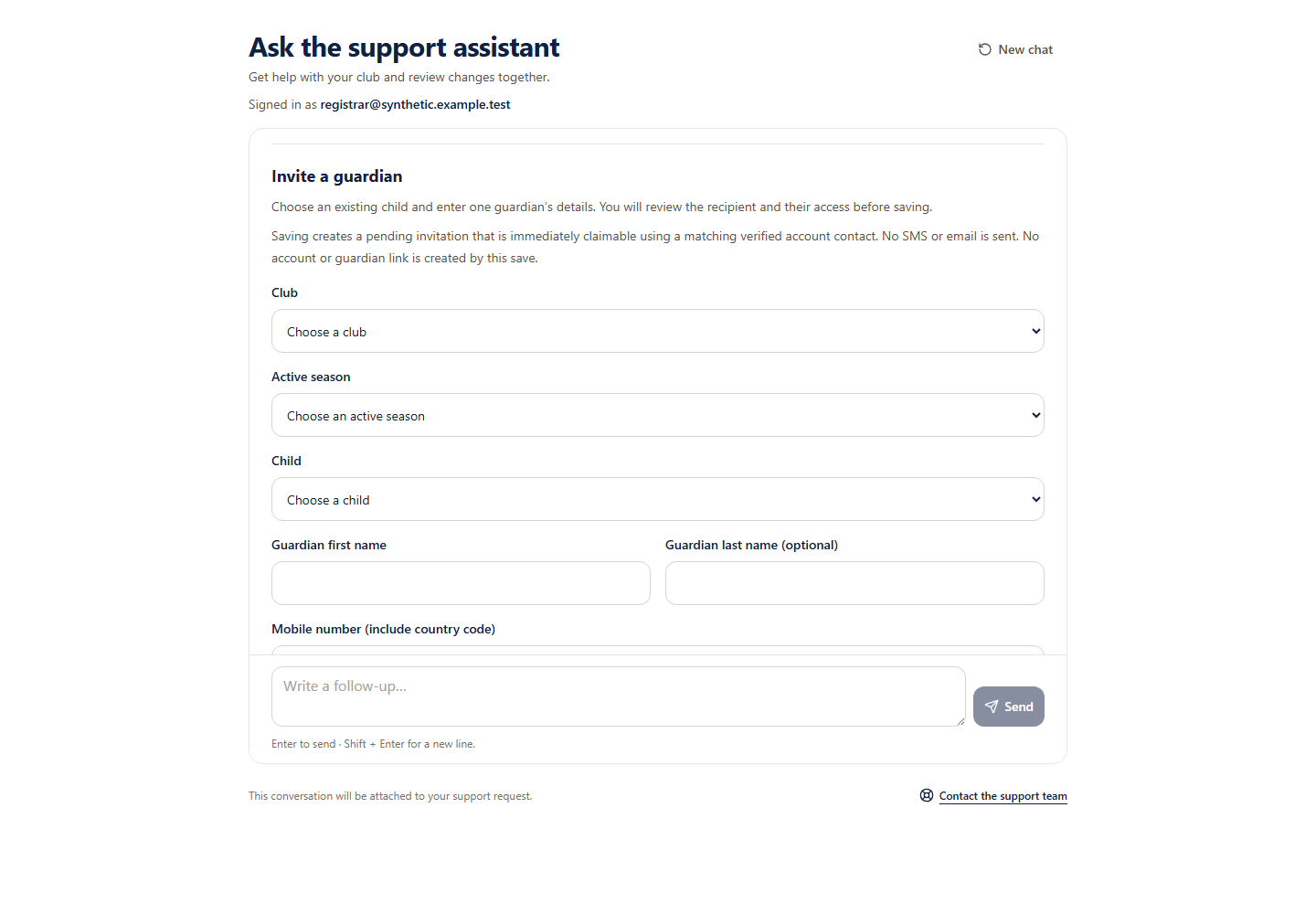
Choose an existing child, enter one guardian’s details and review their access before saving a claimable pending invitation. Saving does not send it.
Reviewed 5 October 2026 · Verified for Clubs web and app · September 2026
Before you start
- Current club owner, administrator or registrar access
- An active season and existing active child
 Open full-size screenshot
What saving does
Eligible Support pilot accounts can save one pending guardian invitation for an existing child. It is immediately claimable by a recipient with a matching verified account contact. Acceptance grants the access you review. Saving sends no SMS or email and creates no account or guardian link.
Review one invitation
- 1
Choose the child
Ask Support to invite a guardian, then explicitly choose your club, an active season and the intended existing child.
- 2
Enter the guardian details
Enter their name, mobile number with country code and optional email. Check the details belong to that guardian. Choose full or view-only access and whether they can view fees.
- 3
Check all eleven review details
Confirm club, season, child, guardian name, complete phone and email destinations, access, fee visibility, the immediate pending effect, no delivery and no new accounts or guardian links.
- 4
Approve the pending save
Approve only after checking the review. The confirmation means a pending invitation was saved, not delivered or accepted.
- 5
Copy sign-in instructions
After confirmation, you can copy generic app sign-in instructions and share them yourself. No recipient details or personal invitation link are copied. The recipient checks whether an invitation is available after signing in using the invited mobile number.
Keep the original request
Keep the original request
Retry an uncertain save with its original request. Stop checks whether it completed or prevents that original request from running; it does not undo a completed save. This workflow does not send invitation links, invite a whole club or import invitations from a spreadsheet.