Voor coaches en teammanagers
Beheer je team vanuit de Playlee-app
Beheer de selectie, beschikbaarheid, wedstrijddetails en de wedstrijddag. Help je ook mee met het runnen van de club, dan wissel je met hetzelfde account naar de clubbeheerweergave.


Je club wijst je rol toe en de juiste teams verschijnen vanzelf.
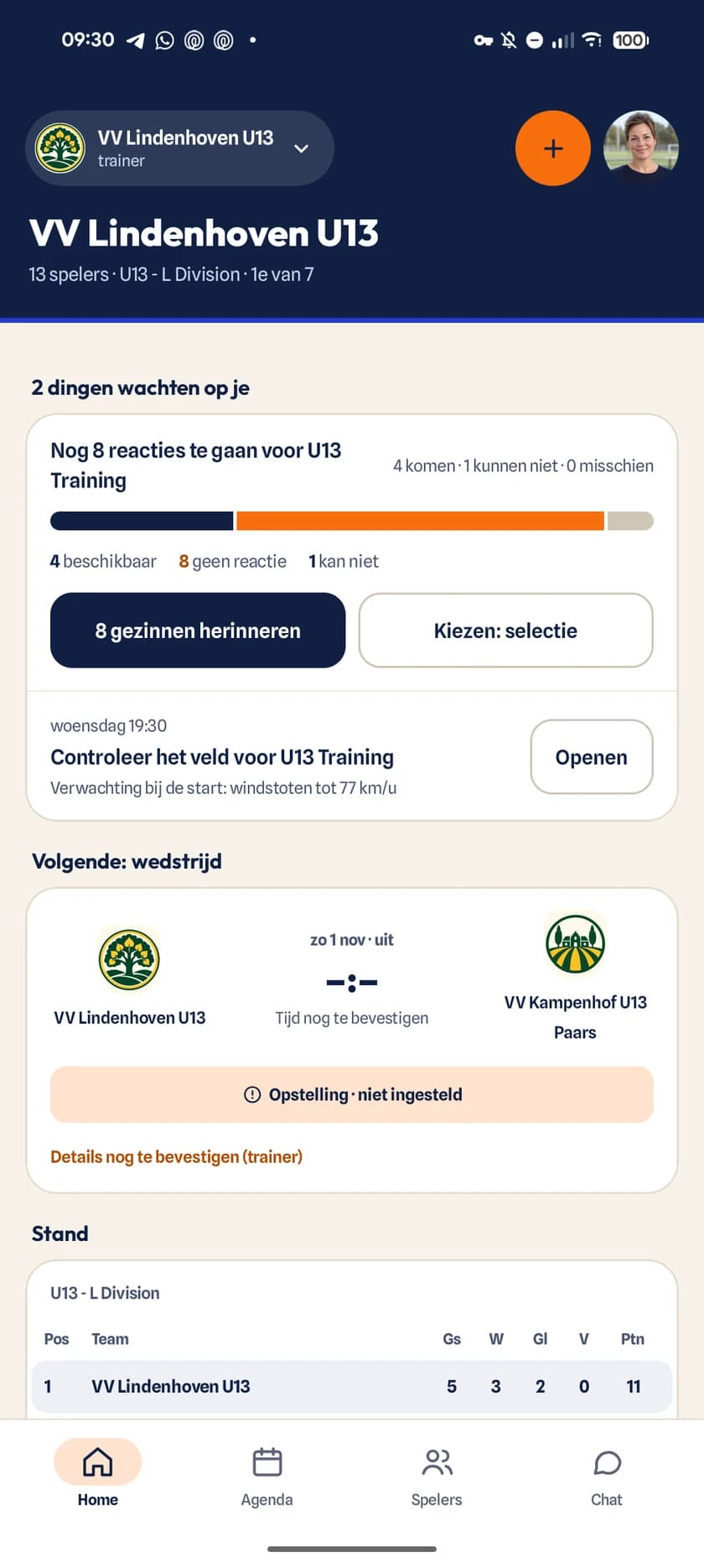
De trainingsweek
Beheer het team vanuit één schema
- 1
Plan de week
Selectie, staf en schema
Open je team om spelers, coaches, vrijwilligers en komende activiteiten te zien.
- 2
Bevestig de details
Wedstrijddetails
Bevestig de wedstrijd, kies het veld en deel de verzameltijd, het tenue en de locatie met ouders.
- 3
Krijg antwoord
Beschikbaarheid van spelers
Zie de reacties in één oogopslag en herinner ouders die nog niet hebben gereageerd.
- 4
Regel de wedstrijd
Opstelling en wedstrijddag
Kies de spelvorm en formatie, beheer de spelers op het veld, registreer wedstrijdmomenten en houd de speeltijd in beeld.
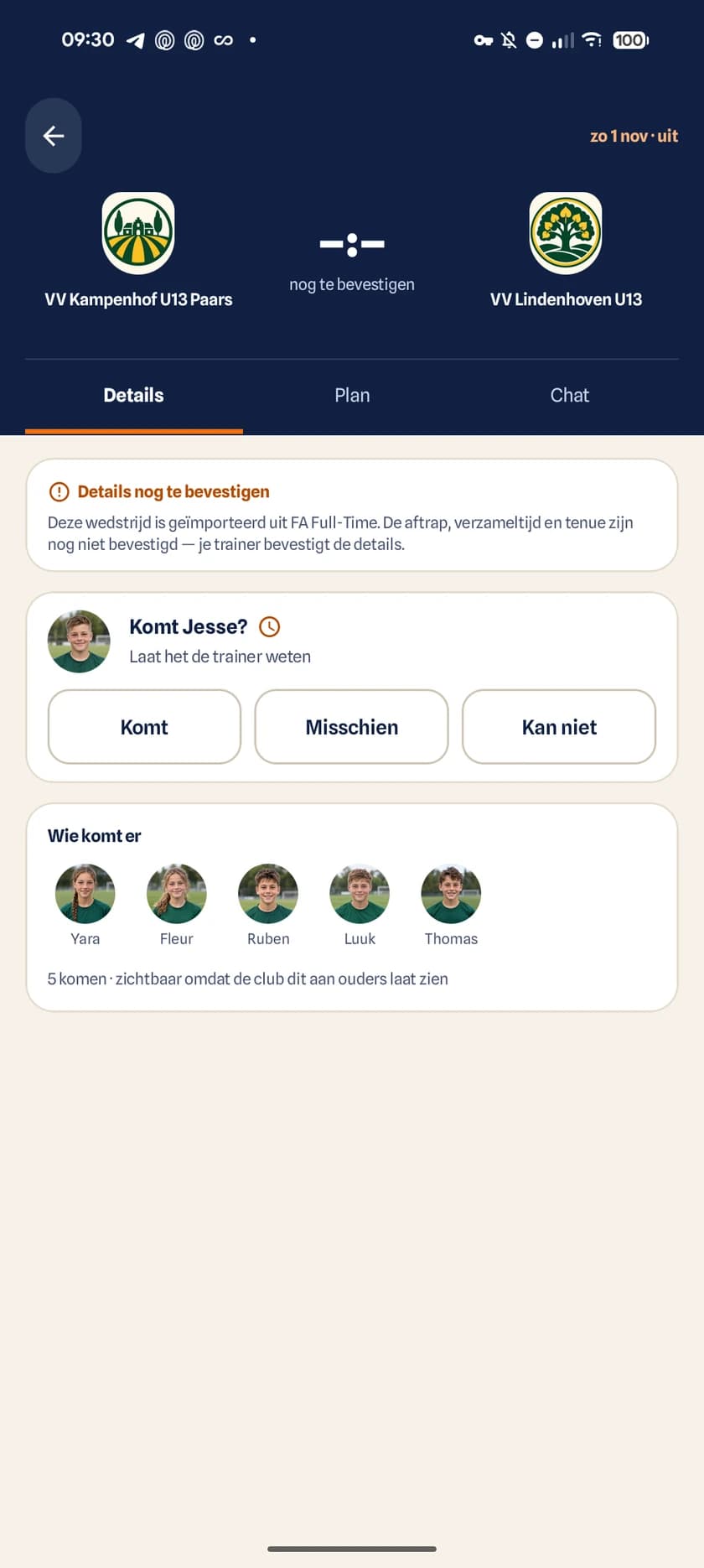
De wedstrijddetails die gezinnen zien na jouw update.
Wedstrijddetails
Werk de wedstrijd één keer bij
- Bevestig geïmporteerde wedstrijden voordat gezinnen erop rekenen
- Kies een locatie en het juiste veld
- Toon tenue, aftrap en verzameltijd bij elkaar
- Gebruik de veldkaart zodat niemand op de wedstrijddag hoeft te zoeken
- Verstuur een ouderuitnodiging opnieuw als iemand die nodig heeft
Wedstrijddag in de app
Houd ouders op de hoogte tijdens de wedstrijd
Stel de spelvorm en formatie in, beheer de spelers op het veld, registreer doelpunten en wissels en houd de speeltijd in beeld. Het wedstrijdcentrum voor ouders toont de momenten die de coach invoert.
Download de app zodra je club je uitnodigt
Gebruikt je club Playlee nog niet? Stuur het bestuur de handleiding om zelf te beginnen.