Place an existing player in a squad
Add one existing active player to a squad or move their primary squad, with a complete current-season membership review before approval.
Reviewed 5 October 2026 · Verified for Clubs web and app · September 2026
Before you start
- Current club owner, administrator or eligible registrar access
- An exact active player record in the active season
- An eligible standard squad
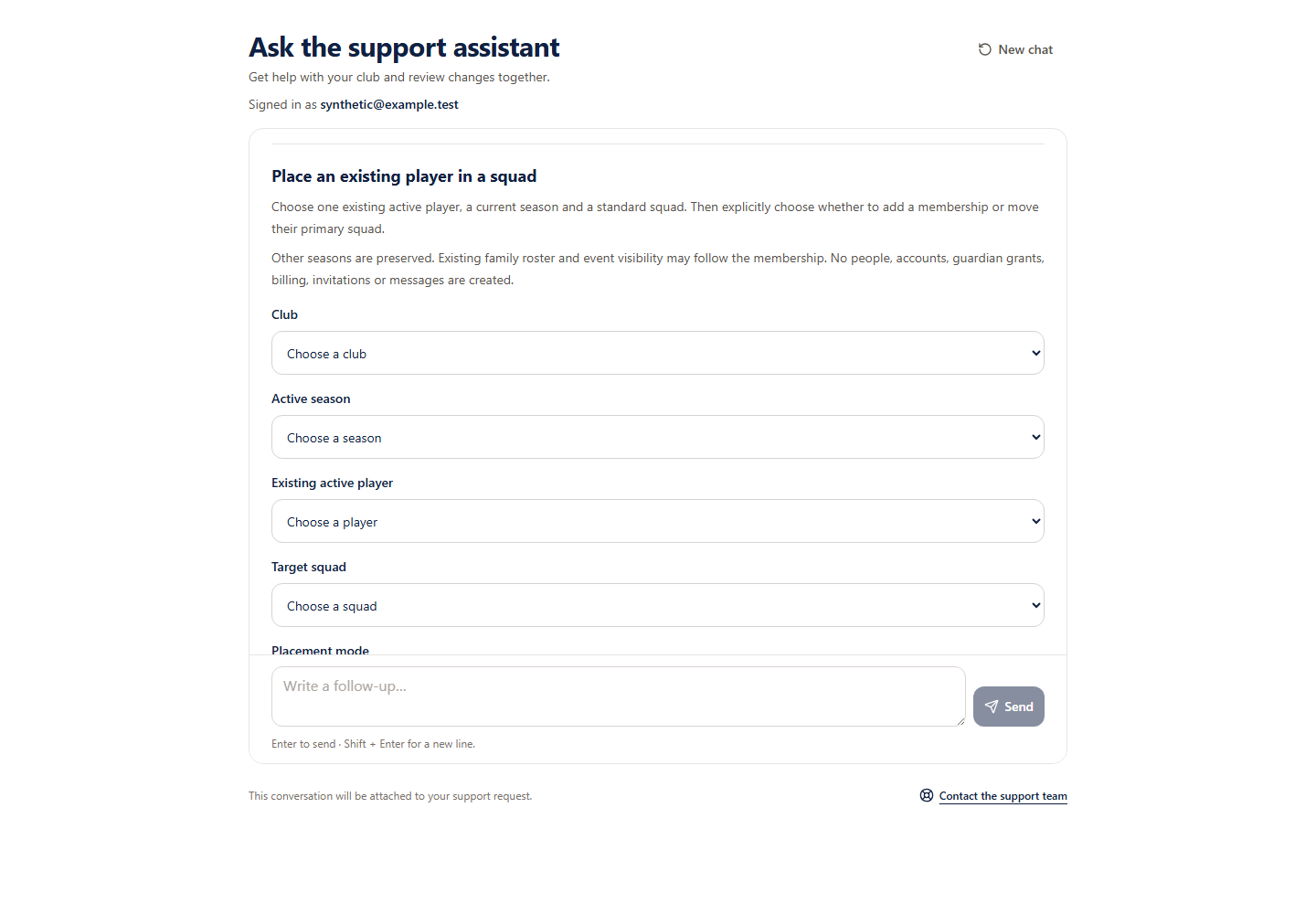 Open full-size screenshot
One existing player, one current season
This guided flow reuses an existing active player record. It does not create people, move a player from another season, link accounts or guardians, change billing, create invitations or send messages. Existing family roster and event visibility may follow the resulting membership.
Review a placement
- 1
Choose the exact record privately
Ask to prepare an existing player placement, then select the authorised club, active season, existing player and target squad in the separate form. Keep player names, dates of birth and contacts out of chat.
- 2
Choose ADD or MOVE
ADD keeps the other current-season memberships and an existing primary squad. MOVE makes the target primary and closes the other active memberships in the selected season. Other seasons are preserved.
- 3
Review before and after
Check the complete primary and active squad lists, closures, eligibility disclosure and family visibility effects. Missing recorded details may limit eligibility checks. Ambiguous, malformed or unsupported records require club review.
- 4
Approve separately
Only the approval button saves. If the outcome is uncertain, keep the original request and key for Retry or Stop. Stop does not undo a completed placement; its receipt confirms the original request, not current memberships.