Add new players from a roster
Review a bounded CSV batch of new players for one active season, with optional standard squad placements. Existing identities and guardian relationships require a separate club review.
Reviewed 5 October 2026 · Verified for Clubs web and app · September 2026
Before you start
- Current eligible club staff access
- An active season
- Human-confirmed player names and dates of birth
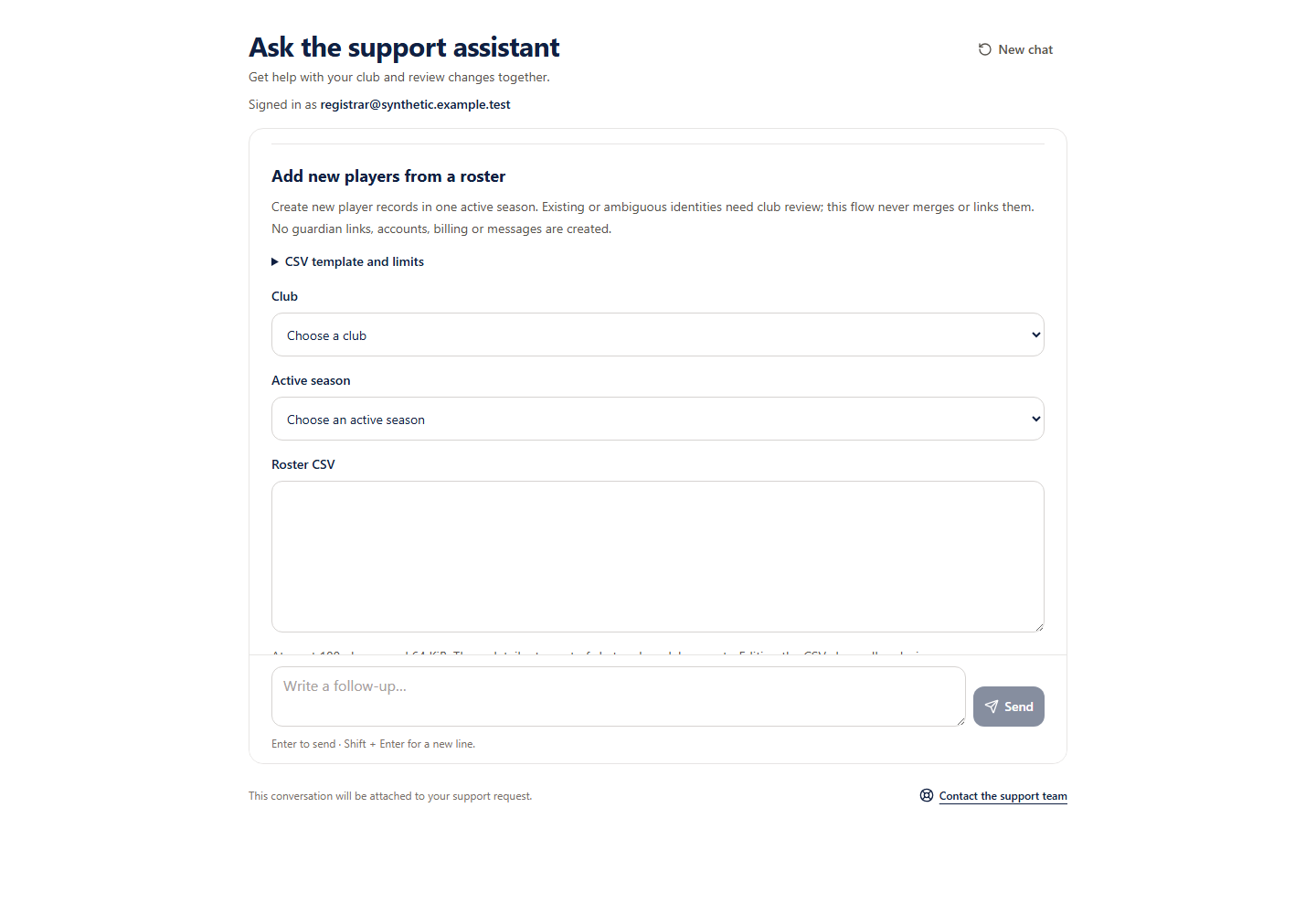 Open full-size screenshot
New player records only
This guided pilot creates at most 100 new players in one active season. Optional team placements must use eligible standard squads. It creates no guardian links, accounts, billing, invitations or notifications. It does not complete whole-club onboarding or merge existing people.
Review your roster
- 1
Choose the club and active season
Use the current authorised choices. Export your spreadsheet as CSV (UTF-8), using the exact nine-column template shown in the form.
- 2
Check every row
Provide the real name and date of birth, optional squad name and source reference. Leave all guardian cells empty. Correct errors or explicitly exclude rows you do not want to create. Editing the CSV clears exclusions.
- 3
Review the complete batch
Review every selected name, date of birth, squad and source reference, plus every excluded row. One identity, source or placement conflict refuses the whole selected batch. No match is not a universal duplicate guarantee.
- 4
Approve the save
Only the separate approval creates records. If the save is uncertain, retry the original request or stop it; do not start another batch. Stop does not undo a completed save.
Keep roster details out of chat
Keep roster details out of chat
Paste CSV into the separate roster form. Do not paste names, dates of birth, medical notes, contacts or payment details into your chat question. The form and review keep roster details out of model requests and conversation history; original local save recovery retains only the exact submitted batch needed for retry.