Assign existing team staff
Review an existing club person as coach or manager for an active-season team, including any access for an already linked account.
Reviewed 5 October 2026 · Verified for Clubs web and app · September 2026
Before you start
- Current club owner or administrator access
- An existing unambiguous club person and an active-season squad
 Open full-size screenshot
Existing people only
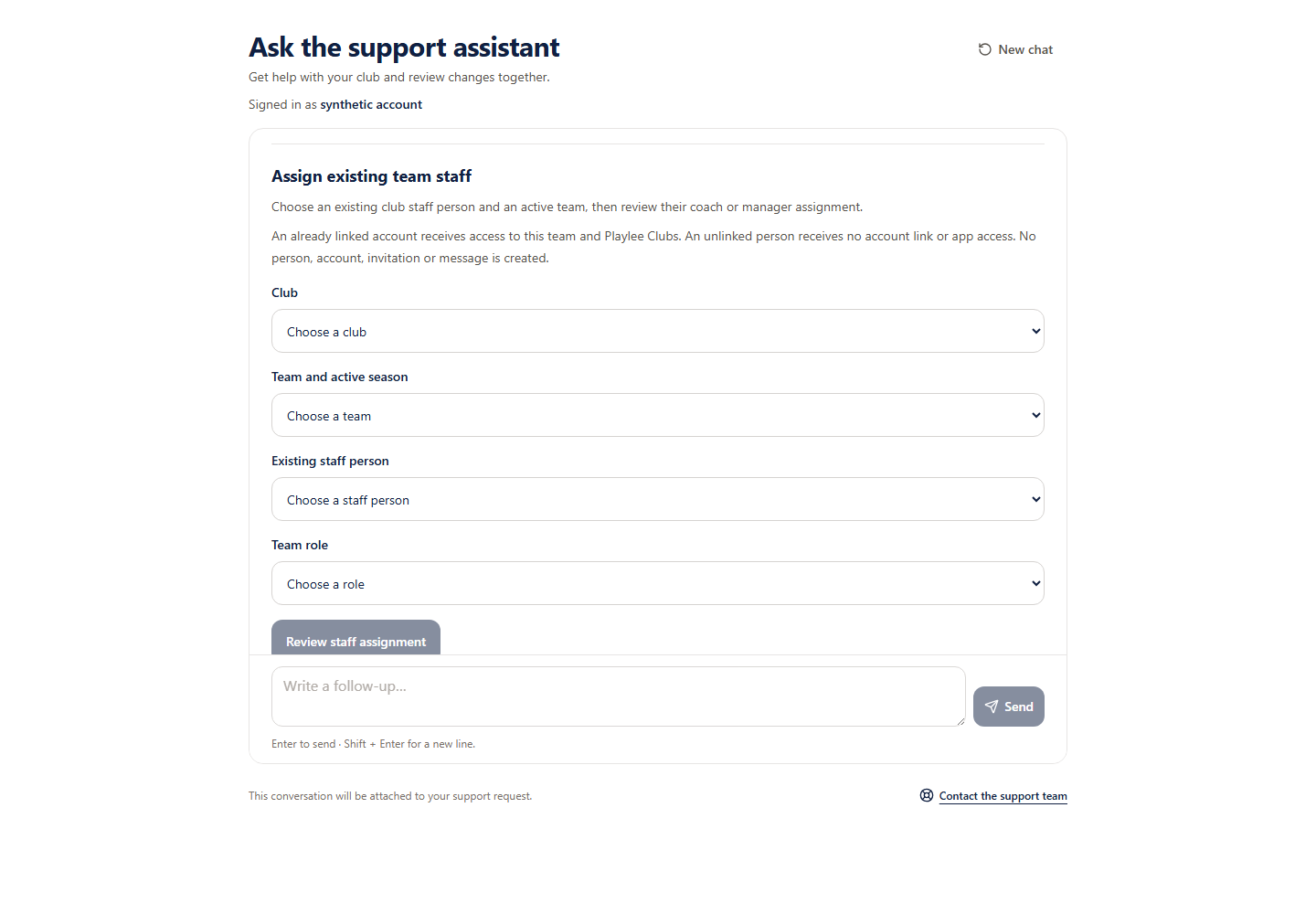
Eligible Support pilot accounts can assign an existing club person as coach or manager. Saving updates the volunteer register and team membership together. An already linked account receives the reviewed team access and Clubs product access. An unlinked person receives no account or app access grant. No people, accounts, invitations, invoices or messages are created.
Review the assignment
- 1
Choose current club records
Explicitly choose the club, active-season team and existing person. Indistinguishable names and incomplete choices require club record review; contacts are not used to guess identities.
- 2
Choose coach or manager
Select the intended role. Check all nine review rows, including the person, season, team, existing assignment and exact linked-account access effects.
- 3
Approve the assignment
Only the separate approval starts saving. This does not invite an unlinked person or send a message.
Keep the original request
Keep the original request
Retry an uncertain save using its original request, or stop that request. Stop does not undo a completed assignment. A receipt confirms the original save, not current membership or account access.