Add a tournament division
Review one division configuration in an authorised Advanced workspace. Existing category fees and entry rules stay unchanged; no teams, fixtures, entries, fees or messages are created.
Reviewed 5 October 2026
Before you start
- Current owner or co-administrator access
- An Advanced workspace with an existing category, public signup disabled and available division capacity
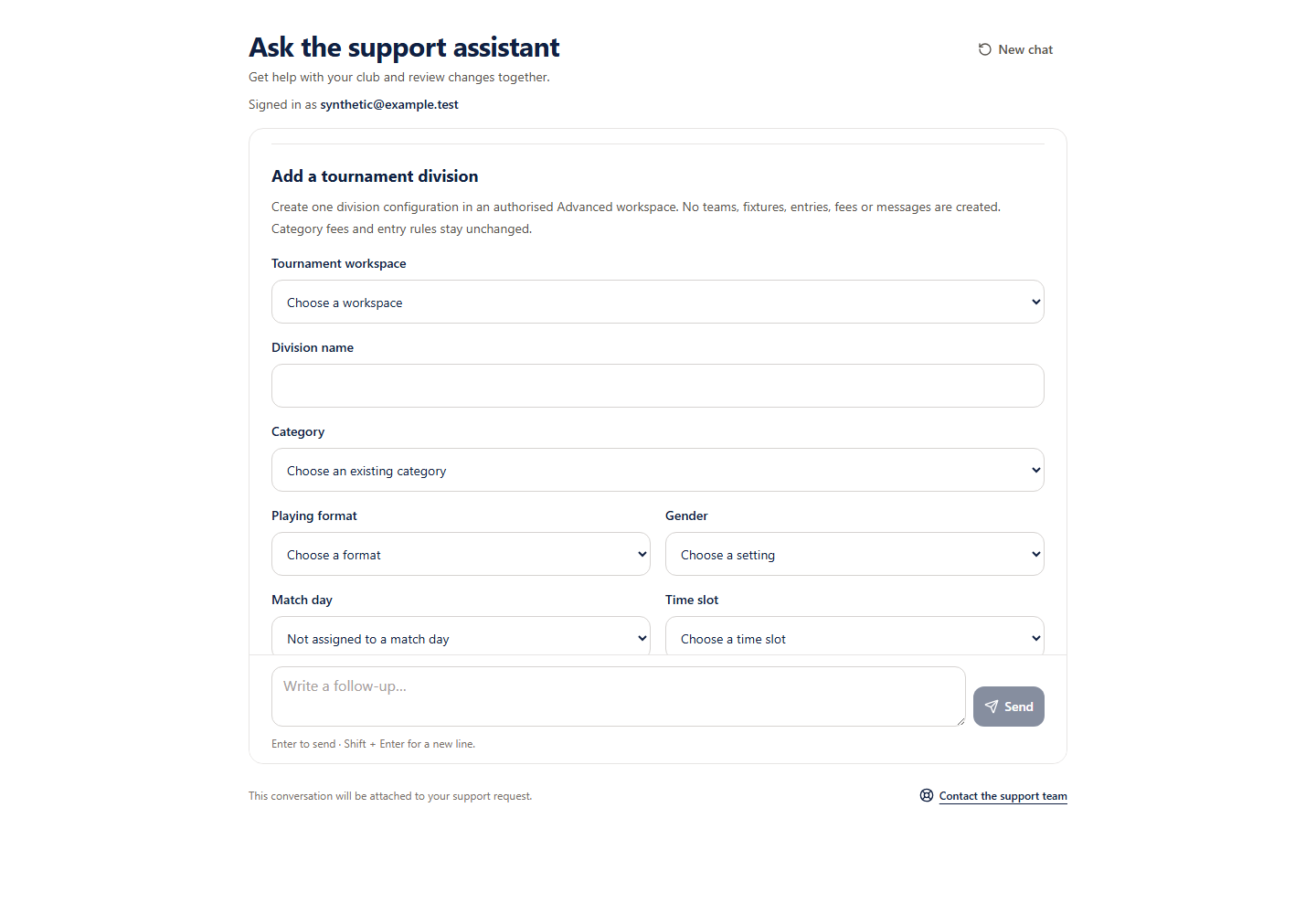 Open full-size screenshot
What you will do
Eligible Support pilot accounts can add one division configuration. Football divisions inherit the category playing format and gender. Other supported sports use explicit choices. This does not create categories, teams, fixtures, entries, fees or messages, open signup or alter category entry rules.
Before you start
- Confirm the workspace name and organiser route, especially when names match.
- Choose the existing category and division settings deliberately.
How to do it
- 1
Choose the workspace and category
Use the current authorised choices. The organiser route distinguishes workspaces with the same name. Unsupported or ambiguous categories need organiser review.
- 2
Enter division settings
Enter a name, optional existing match day and explicit time slot. Football inherits format and gender; other sports require supported explicit choices. Leave duration blank to use the category duration or enter a whole-minute override of at least 5.
- 3
Check all eleven review details
Confirm workspace, name, category, format, gender, match day, time slot, duration, unchanged public competition and signup flags and configuration-only effects.
- 4
Approve the division
Only the approval button starts saving. Retry an uncertain save using its original request or stop it. Stop does not remove a completed division.
Check you are ready
- The workspace route and existing category are correct.
- Every division setting matches the intended configuration.
- Fees, entry rules and publication settings remain unchanged.
If something looks wrong
If something looks wrong
The receipt proves the original save, not current tournament configuration. Use the organiser screens for category creation, division editing, team entries, fees and fixture scheduling.